Step 01
Step 1: Installation
Install the Smart Fridge Cam in your refrigerator.
Revolutionize Your Kitchen Experience
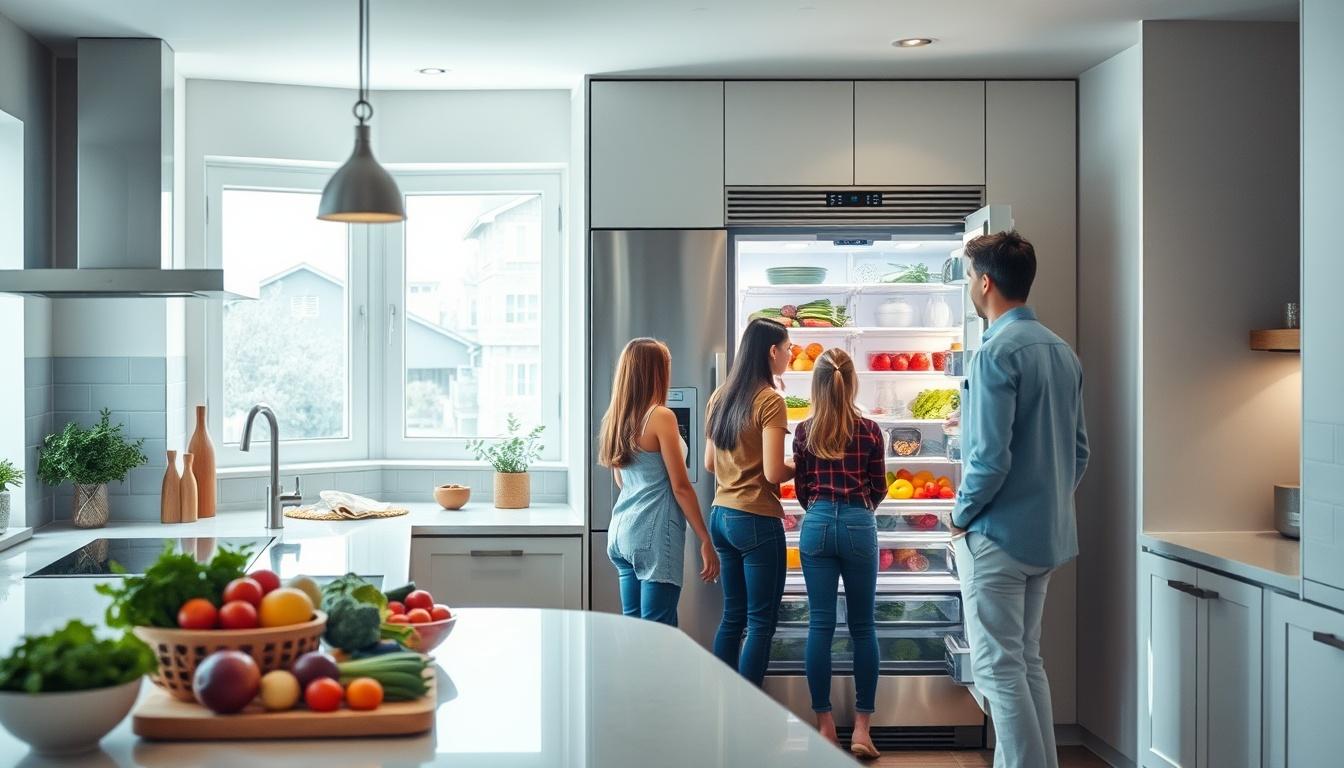
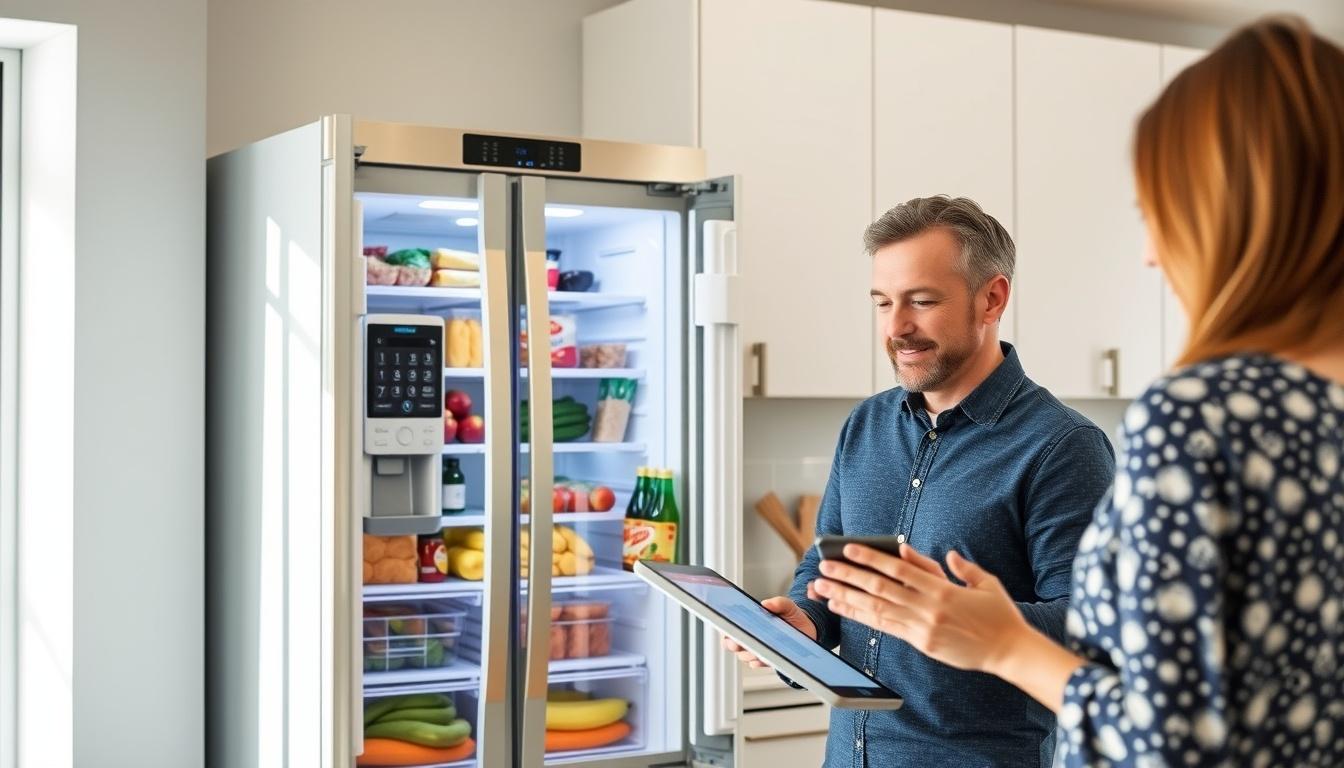
Transform your grocery shopping
Install the Smart Fridge Cam in your refrigerator.
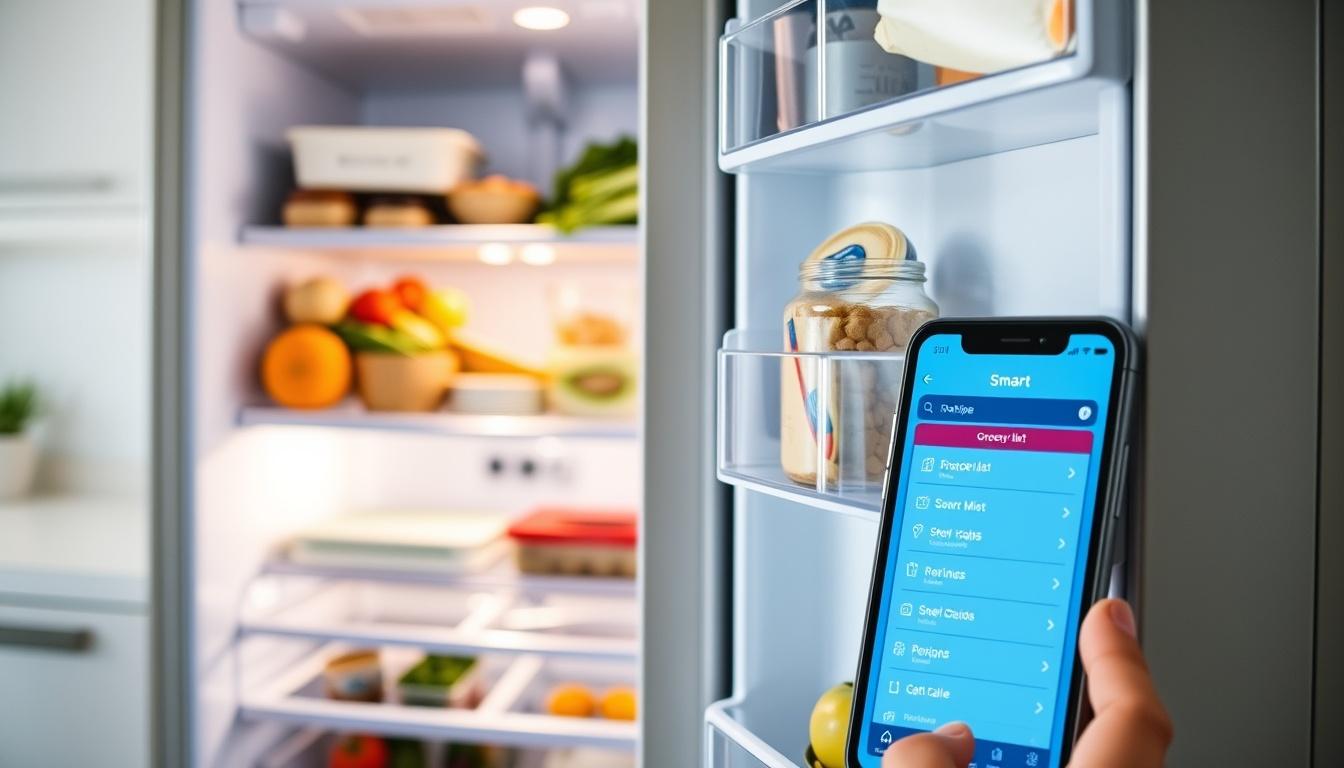
Connect to your home Wi-Fi and download the app.
Start monitoring your groceries and receive alerts.
Get recipe suggestions based on your available ingredients.
Enhance your kitchen management
Stay updated on your fridge contents with instant alerts.
Easily track your groceries and reduce food waste.
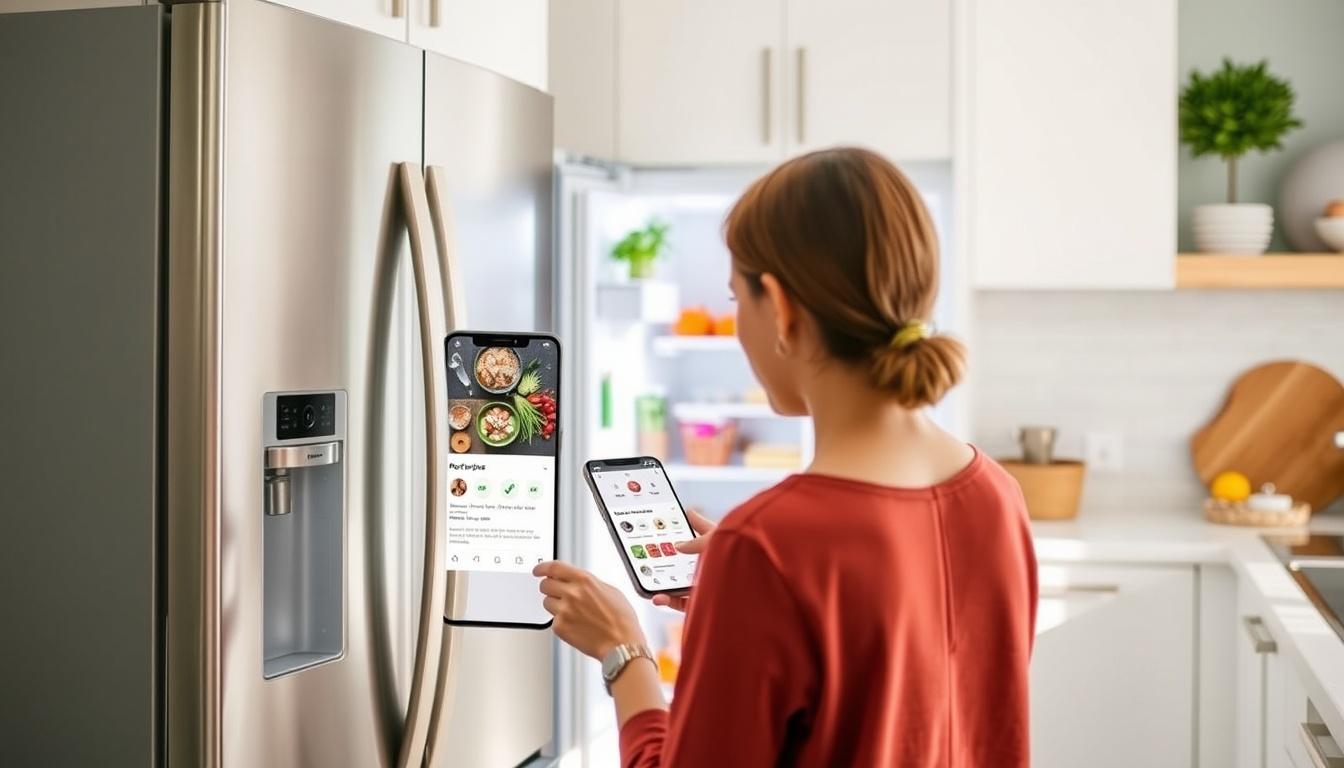
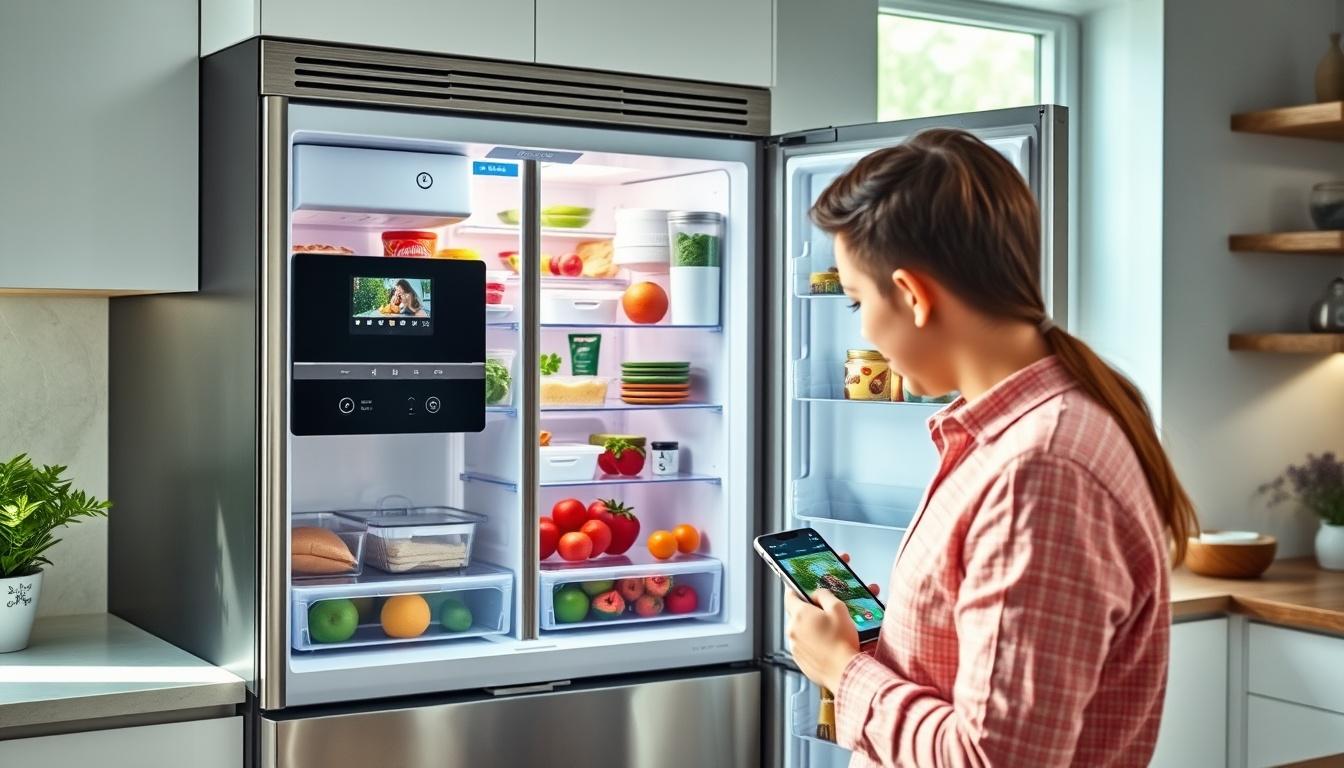
Get inspired with recipes based on what you have at home.
Navigate effortlessly through our app for a seamless experience.
Discover how Smart Fridge Cam transforms your grocery shopping experience into a breeze.
Explore our diverse user scenarios
Perfect for families who want to streamline meal planning.
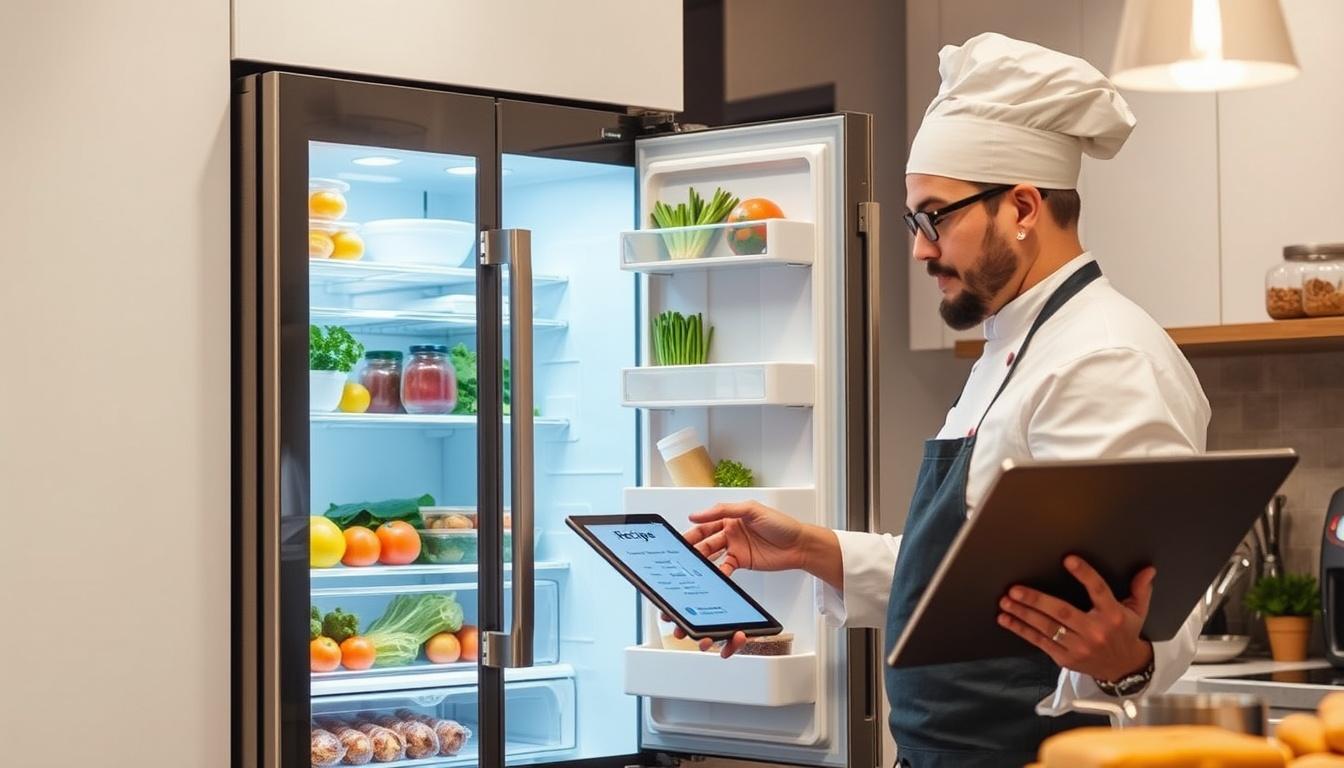
Ideal for those who love cooking and try new dishes.
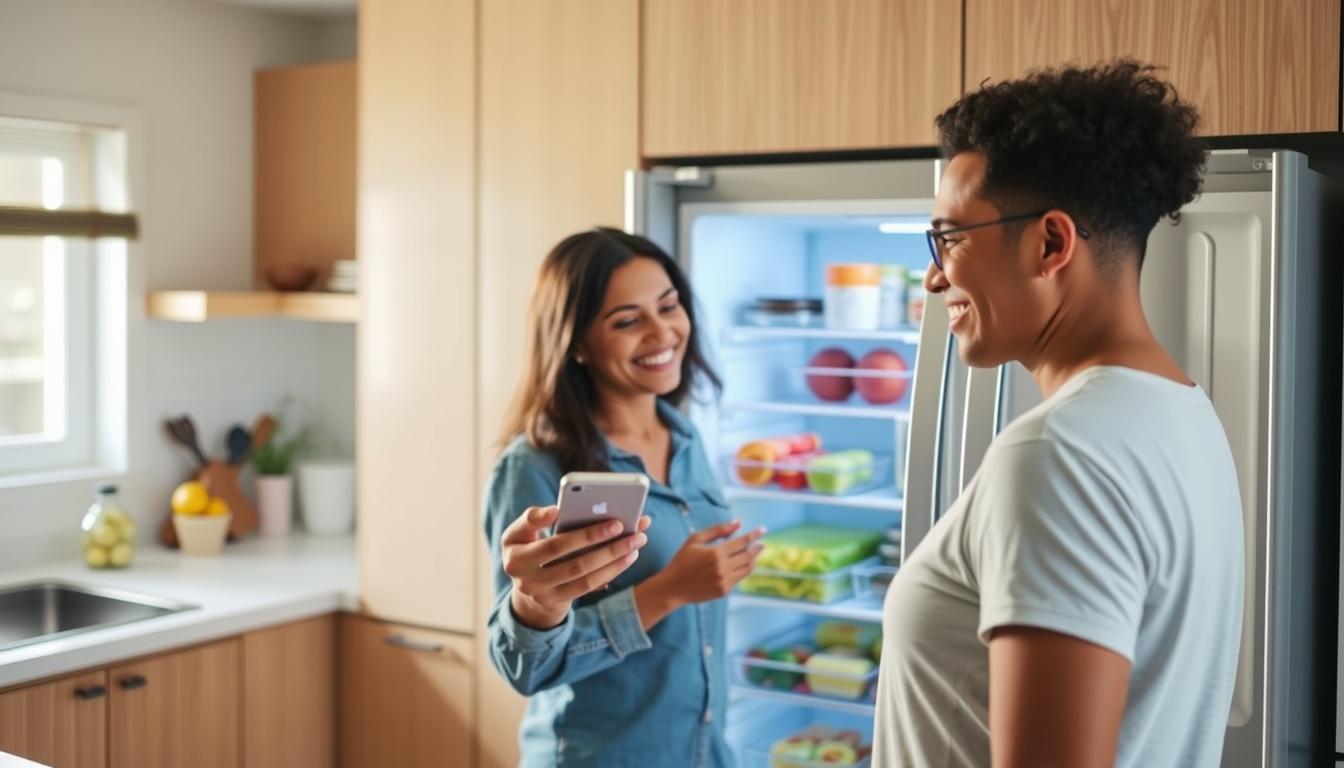
A great solution for health-conscious individuals.
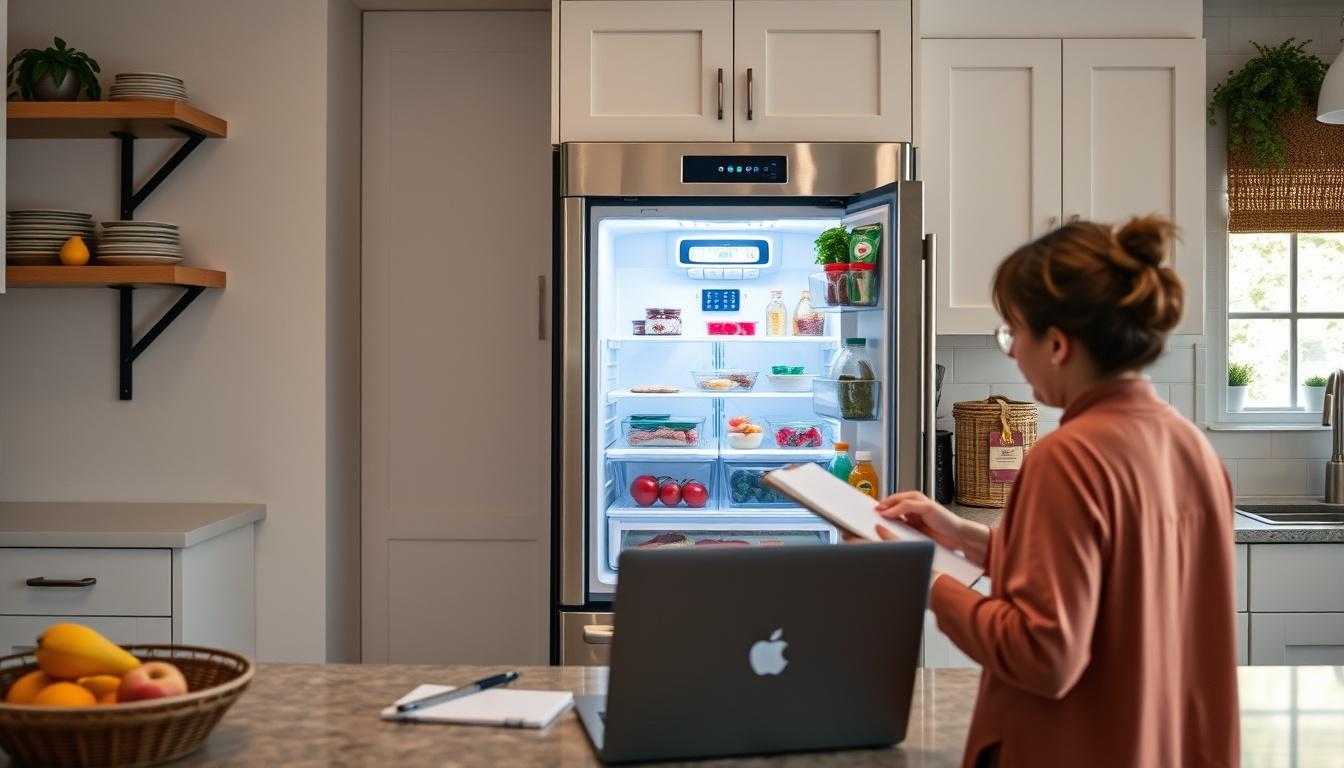
Designed for tech enthusiasts looking for smart solutions.
Your questions answered
Our fridge camera connects to your smartphone via Wi-Fi.
Yes, you can access it from anywhere through our app.
It supports multiple users, so family members can manage groceries together.
The camera is designed for easy installation and setup.
We offer a one-year warranty on all devices.